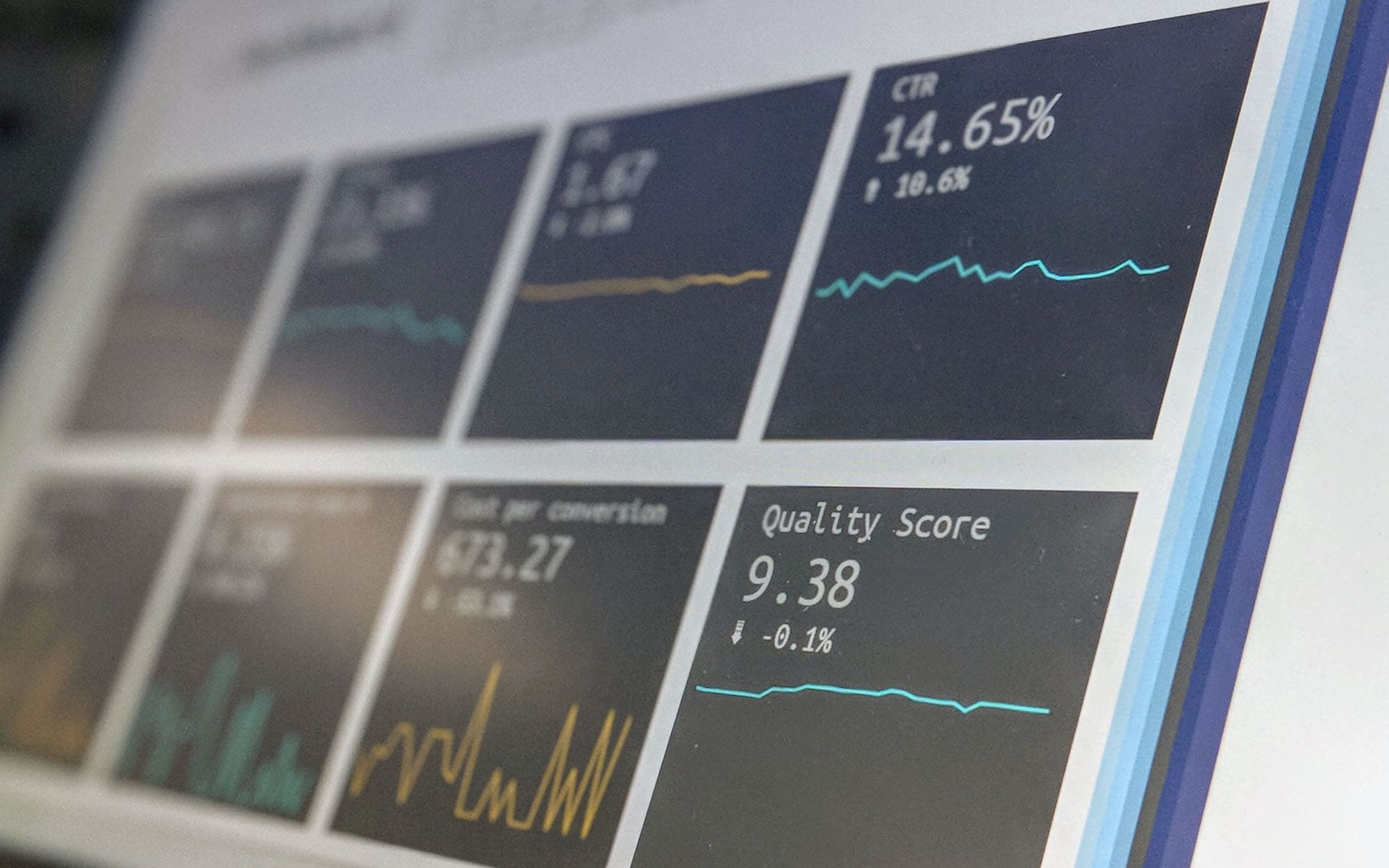
Captain watches duty rates by HTS code, supplier, and country, then alerts your team the moment a
Section 301, 232, or IEEPA action changes your landed cost, so tariff exposure becomes a number you manage, not a surprise you absorb.
Tariff tracker software is a licensed application that monitors published duty rates and trade actions, maps them to the specific HTS codes, suppliers, and origin countries you import from, and tells you what each change does to your landed cost before the goods ship.
The Captain platform pulls real-time tariff data for the United States, China, Canada, and the EU, layers on integrated analytics and historical tariff data, and posts every relevant duty-rate move to a single dashboard your trade team already trusts, so nobody rebuilds a spreadsheet after each announcement.
The value is one source of truth for tariff exposure. Customized alerts flag the changes that touch your product lines, a built-in tariff calculator feeds landed cost software to reprice each SKU by lane, the duty math runs on the same figures as customs duty software, and what-if modeling lets you price a sourcing shift before you commit, so Section 301, 232, and IEEPA moves become decisions you make on numbers rather than headlines you react to.
4
Country feeds tracked
< 15 min
Alert latency
5-25%
Duty savings modeled
Free Product Demo
See Tariff Tracker Live
A 30-minute walkthrough on your own HTS catalog. No obligation.
We reply within 1 business day · Your data stays private.
Modules
Our Tariff Tracker Software Modules
Six modules inside the Captain tariff tracker that turn scattered duty announcements into a single exposure you can act on.
01
Real-Time Tariff Tracking
Live duty rates mapped to your HTS codes and origins, not a generic tariff table.
Live duty rates by HTS code and origin
Coverage for the USA, China, Canada, and EU
Section 301, 232, and IEEPA actions flagged
Historical tariff data for trend analysis
02
Customized Alerts
Threshold-based notifications so a rate change reaches your team the moment it posts.
Threshold alerts on rate changes
Supplier and product-line watchlists
Email and in-dashboard notifications
03
Exposure Dashboards
See where your duty risk concentrates by supplier, country, and SKU.
Duty exposure by supplier and country
Landed-cost impact per SKU
Top duties by HTS at a glance
04
What-If Scenario Modeling
Price a sourcing change or origin shift before you sign a single contract.
Model a sourcing shift before you commit
Compare origin countries side by side
Quantify duty impact before contracts sign
05
Integrated Analytics and Reporting
Turn duty data into custom reports your finance and trade teams can act on.
Custom reporting on duty spend
Trend analysis on historical rates
Exportable, board-ready summaries
06
Tariff Calculator
Estimate duty and landed cost by lane and HTS in seconds, then save the result.
Tariff policy should not be a spreadsheet you rebuild after every announcement. With live rates, alerts, and what-if models, your duty exposure becomes a number you can see and steer.
CargoTrans gives your trade team the dashboard, and the specialists behind it, on one license.
Free 30-minute product demo on your own HTS catalog
No-obligation review of your current duty exposure
ERP and entry-data integration support during onboarding
Direct line to our tariff specialists when a change needs judgment
A CargoTrans product specialist will map your suppliers and quote a license for your duty exposure.
Protected by reCAPTCHA. We respond within 1 business day. No spam, ever.
Integrations
Tariff Tracker Software That Connects to Your ERP
Captain's tariff tracker connects to your ERP and entry data, so the HTS codes, suppliers, and volumes it watches are the ones you actually import, not a generic tariff table someone maintains by hand.
Live duty events post to the Captain dashboard the moment a rate changes, and the same Control Tower feed shares them with the rest of your trade stack so nothing is retyped between systems.
Your classification data, supplier list, and duty exposure sit behind role-based access and encrypted storage, so only the people you name can see what you import and what it costs.
Every alert, override, and report is timestamped for your audit file, and when a change needs expert interpretation our tariff and trade advisory team reads the same records your team does.
Tariff tracker software is a licensed application that monitors published duty rates and trade actions and maps them to the specific goods you import. Instead of checking several government sites by hand, you load your HTS codes, suppliers, and origin countries once, and the system watches for any change that touches them. When a rate moves, it flags the affected products, estimates the new landed cost, and posts the event to a single dashboard. Captain's tariff tracker covers the United States, China, Canada, and the EU, layers on historical tariff data and integrated analytics, and sends customized alerts so your trade team sees a duty change before it shows up as a surprise on a commercial invoice.
Which countries and tariffs does the software track?
Captain tracks duty rates and trade actions for the United States, China, Canada, and the EU, the four jurisdictions that drive most import cost volatility for US buyers. On the US side it monitors the standard HTS duty rates alongside the trade-remedy layers that move fastest, including Section 301 actions on China-origin goods, Section 232 measures on metals, and IEEPA-based tariffs. Each item in your catalog is tied to its origin, so an announcement is scored against your actual exposure rather than a general headline. Historical tariff data sits behind every rate, so you can see how a duty on a given HTS code has moved over time and model where it may go next.
How fast do alerts fire after a tariff change?
Alerts are near real time. When a rate change or trade action is published to a source Captain monitors, the system matches it against your watchlists and pushes a notification, typically within minutes, to both email and the in-app dashboard. You control which changes trigger an alert by setting thresholds and by tagging the suppliers and product lines that matter most, so your team is not buried under moves that do not affect you. The goal is that a duty change reaches the person who prices your goods before it reaches a customs entry, which is where the cost actually lands. Speed here is the difference between adjusting a purchase order and eating a duty you did not see coming.
Can it show my duty exposure by supplier and country?
Yes. The exposure dashboard is built to answer exactly that question. It aggregates your import volume by supplier, by origin country, and by HTS code, then applies current duty rates so you can see where your tariff risk concentrates rather than reading it one entry at a time. If a Section 301 or IEEPA action hits a particular origin, the dashboard shows which suppliers and which SKUs are affected and what the landed-cost impact is per unit. A top-duties view ranks your highest-cost HTS lines so you know where mitigation work would pay off most. It turns tariff exposure from a vague worry into a ranked list your team can act on.
What is what-if modeling and how does it help?
What-if modeling lets you test a sourcing or routing decision before you commit to it. You take a product you currently import from one origin, apply an alternate country of origin or supplier, and the software recalculates the duty and landed cost under current rates. That means you can compare buying the same goods from two countries side by side, or measure what a proposed tariff would do to a lane, without waiting for a real entry to prove the point. The output is a concrete number your finance and sourcing teams can weigh against freight, lead time, and supplier quality. It moves tariff strategy upstream, into the decision itself, instead of reacting after contracts are already signed.
Does the software integrate with my ERP?
Yes. Captain connects to your ERP and entry data so the HTS codes, suppliers, and volumes it tracks come straight from your systems of record rather than a separate list someone maintains by hand. Classifications and import history sync in, and duty events and exposure figures can flow back out to the tools your team already uses. Keeping the tariff tracker on the same data as your buying and accounting systems is what makes the exposure numbers trustworthy, because they reflect what you actually import at the volumes you actually buy. Onboarding includes integration support, and if a full connection is not ready on day one, you can start with a catalog upload and add the ERP link later.
Is my classification and supplier data secure?
Yes. Your HTS classifications, supplier list, and duty exposure are among your most sensitive commercial data, so the platform holds them behind role-based access and encrypted storage. You decide which users see which product lines and reports, and every alert, override, and export is timestamped for your audit file. That access log matters for more than security: when a customs question arises later, you have a clean record of what your team saw and when they saw it. Sensitive trade data never becomes a shared spreadsheet floating between inboxes. It stays in one governed system where permissions, encryption, and an audit trail travel with the information from the moment it enters the platform.
Does the license include access to trade specialists?
The software is the product on this page, and it stands on its own, but Captain does not leave you alone with a dashboard when a change needs judgment. The license connects to CargoTrans trade specialists, so when an alert raises a question the software cannot answer, such as whether a classification still holds or whether a mitigation path applies, a person who reads the same records can weigh in. This is the difference between a data feed and a decision. You get the automation for the routine monitoring and the human read for the calls that carry real duty exposure, without moving between two disconnected vendors to get both.
How is tariff tracker software priced?
Tariff tracker software is licensed as a subscription rather than sold as a one-time service, and the price scales with scope rather than a flat number. The main drivers are how many HTS lines and suppliers you track, how many origin countries you monitor, the number of users, and whether you want a full ERP integration or a lighter catalog upload to start. Because the value depends on your actual import profile, we begin with a free demo that maps your current duty exposure before quoting, so the license reflects your real flow instead of a generic rate card. Importers carrying high-duty inventory or volatile origins usually find the license pays for itself the first time an alert prevents an unbudgeted duty hit.
Can it estimate landed cost and duty rates?
Yes. A built-in tariff calculator estimates duty and landed cost for a given HTS code and lane in seconds, using the current rates the platform already tracks. You enter the product, origin, and value, and the calculator returns the applicable duty, including any Section 301, 232, or IEEPA layers that apply to that origin, plus an estimated landed cost. Results can be saved to the dashboard so a quick check becomes part of your record rather than a throwaway number. Paired with what-if modeling, the calculator lets your team price scenarios on demand, whether you are evaluating a new supplier quote or checking what a proposed tariff would add to an existing lane.
Does the software keep historical tariff data?
Yes. Every duty rate Captain tracks carries its history, so you can see how the tariff on a specific HTS code and origin has changed over months and years rather than only its value today. That history feeds trend analysis and reporting, which helps in two ways. It lets you show finance where duty spend has moved and why, and it gives your team context when a new action lands, because you can see whether a rate is returning to a prior level or breaking new ground. Historical data also strengthens what-if models, since a decision about future sourcing is stronger when it is informed by how a duty line has actually behaved over time.
How long does onboarding take?
A straightforward catalog can be live in one to two weeks. The steps are import your HTS list, tag each item to its supplier and origin, set your alert thresholds, and baseline the first exposure dashboard against your own entries. Accounts with a full ERP integration or a very deep SKU count take a little longer because the connection and data validation carry more weight, but you can begin with a catalog upload and add the integration afterward so alerts start protecting you sooner. The gate is usually the cleanliness of your item and supplier data rather than the platform itself. The cleaner your classifications on day one, the fewer exceptions surface once live tracking begins.
Who is tariff tracker software for?
It is built for importers whose landed cost is exposed to duty volatility, which today means most companies sourcing from China, Canada, the EU, or anywhere touched by Section 301, 232, or IEEPA actions. Trade and compliance teams use it to monitor rate changes without living on government websites, finance teams use the exposure and reporting views to forecast duty spend, and sourcing teams use what-if modeling to compare origins before they buy. It suits both companies large enough to import across many HTS lines and leaner teams that cannot afford a full-time analyst watching tariffs by hand. If duty is a material line on your cost of goods, the software turns it into something you can see and manage.
How is this different from checking government tariff websites myself?
Government sites publish the rates, but they do not tell you which of your products just got more expensive, by how much, or what to do about it. Checking them by hand means someone on your team monitors several sources, translates raw HTS changes into your own catalog, recalculates landed cost, and hopes they did not miss an announcement. Tariff tracker software does that continuously and automatically. It maps every published change to your specific SKUs and suppliers, quantifies the impact, and alerts you within minutes, then keeps the history and lets you model alternatives. The difference is coverage and speed at scale: one person cannot watch four jurisdictions across thousands of HTS lines without gaps, and gaps are where unbudgeted duties hide.